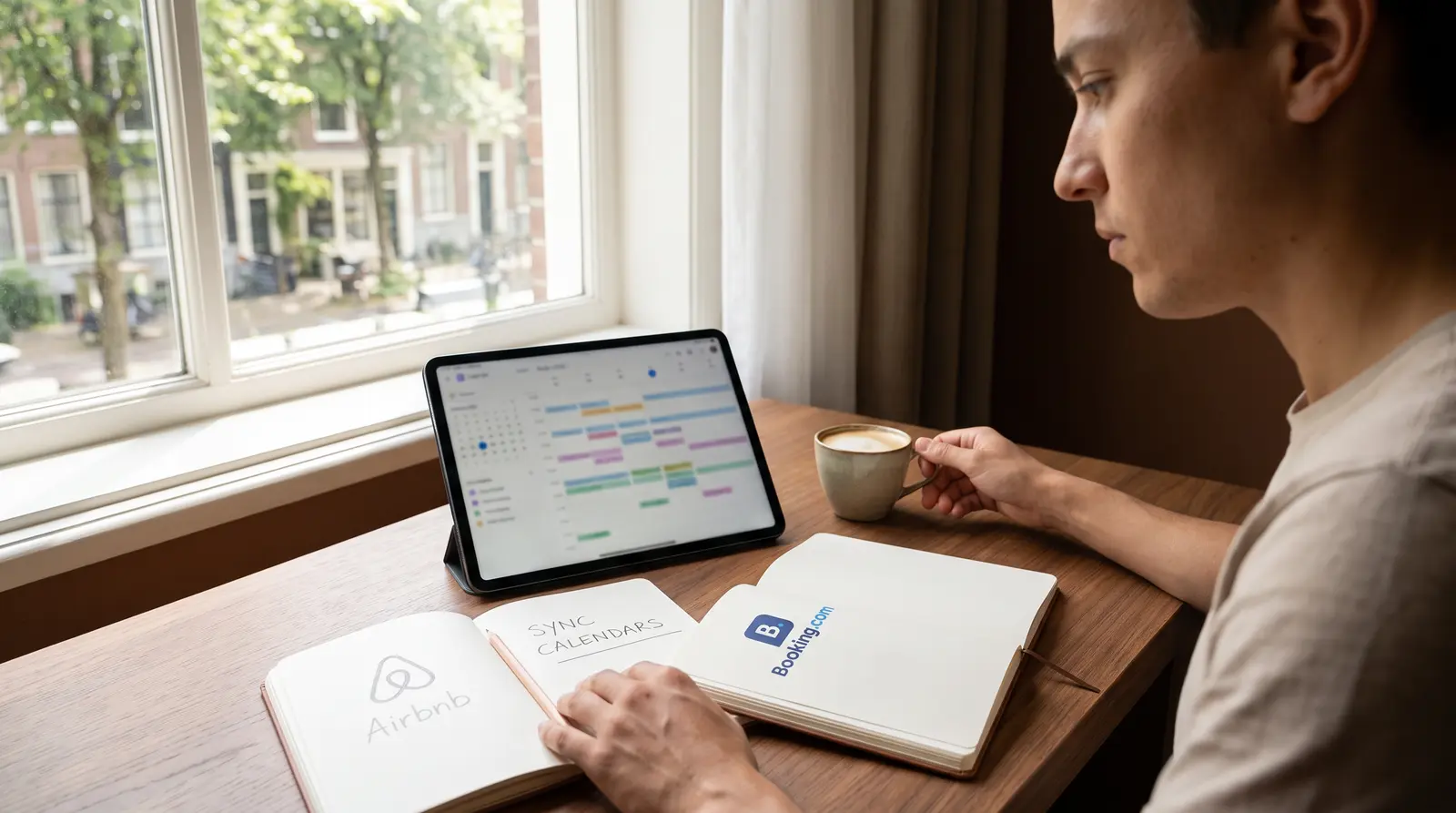
Every vacation rental host, B&B owner, or property manager knows the stress of cleaning turnovers. The clock starts ticking the moment a guest checks out, and any miscommunication can lead to missed check-ins, negative reviews, or frustrated cleaning teams. Endless group chats, last-minute calls, and overlapping messages are all too common. How can you coordinate cleaning turnovers smoothly, keep your cleaners and guests in sync, and reclaim your time?
Why Cleaning Turnovers Go Wrong
Before diving into solutions, it helps to pinpoint where turnovers often break down:
- Unclear departure times: Guests leave earlier or later than planned, leaving cleaners waiting or rushing.
- Missed notifications: Cleaners don’t get timely updates when guests check out early or late.
- Manual messaging overload: Hosts juggle multiple chats, WhatsApp groups, and calls to relay simple updates.
- Incomplete information: Cleaners arrive without knowing guest issues, special requests, or damages.
- Double bookings or last-minute changes: The schedule shifts, but the cleaning team isn’t in the loop.
When these problems pile up, even the best cleaning team can’t work efficiently. Guests may arrive to a property that isn’t ready, and hosts are left apologizing for things outside their control.
Checklist: What Your Cleaning Turnover Needs
- Accurate checkout times: Know exactly when guests leave.
- Real-time notifications: Cleaners are instantly informed of schedule changes.
- Clear property status: Cleaners get notes on special requests, damages, or forgotten items.
- Easy communication: Minimal messaging, with everything in one place.
- Reliable scheduling: Cleaning tasks are automatically assigned and updated with booking changes.
Let’s look at how to achieve all this without turning your phone into a never-ending notification machine.
Automating Turnovers with Tech
Manual coordination works when you manage one apartment, but it quickly breaks down as your business grows. That’s where property management systems (PMS) and guest messaging tools come in. For example, Ospitessa centralizes bookings, calendars, and cleaning schedules. If a guest checks out early, the system can help you keep your team updated efficiently, no manual texts required.
Here’s how automation can help:
- Live calendar sync: When a booking updates on Booking.com, Expedia, or Airbnb, your PMS updates the turnover schedule in real time.
- Automated guest messages: Tools like Hotel Guest Messaging send scheduled checkout reminders and thank-you notes, reducing confusion about departure times.
- Centralized scheduling: With Ospitessa, your team can view all bookings and cleaning needs in one place, making it easier to coordinate turnovers and share property status notes.
- Centralized inbox: Systems such as Ospitessa let your team see all guest and cleaner conversations in one place, making it easy to track what’s been communicated.
With these tools, you replace dozens of manual messages with automated, reliable updates. This helps you and your team stay organized and informed.
Step-by-Step: Setting Up a Hassle-Free Turnover Workflow
Ready to streamline your turnovers? Here’s a practical step-by-step approach:
- Connect your booking channels: Use a PMS like Ospitessa to link Booking.com, Expedia, and Airbnb. This ensures all bookings and changes are reflected on one central calendar.
- Set up automated messaging: Schedule guest messages for booking confirmation, pre-checkout reminders, and post-stay follow-ups. This keeps guests aware of checkout times and procedures.
- Centralize scheduling: When a booking is confirmed or updated, the system helps you organize cleaning tasks and keep your team informed about upcoming turnovers.
- Enable real-time notifications: Make sure your team receives updates if guests leave early, check out late, or report issues, so you can adjust cleaning plans as needed.
- Centralize communication: Use a unified inbox so your team can see all messages. This reduces the need to search through multiple apps or email threads.
- Review and adjust: After a few turnovers, review what worked and where delays happened. Adjust your automated messages or cleaning assignments as needed.
This workflow minimizes manual input, reduces errors, and keeps everyone on the same page.
Templates for Cleaner and Guest Communication
Consistent messaging keeps everyone informed and sets expectations. Here are two templates you can adapt for your own use:
Guest Pre-Checkout Reminder
"Hello [Guest Name],
Just a reminder that checkout is at [Time] tomorrow. If you need a later checkout, please let us know as soon as possible. Safe travels!"
Cleaner Notification
"Hi [Cleaner Name],
Guest [Guest Name] has checked out of [Property Name]. Please start cleaning at your earliest convenience. Notes: [Any guest comments, damages, or special requests]. Thank you!"
With tools like Ospitessa, these messages can be scheduled or triggered for your team, taking another task off your plate.
When to Step In: Handling Exceptions
No system is perfect. Sometimes guests overstay, cleaners are delayed, or unexpected maintenance pops up. Here’s how to handle exceptions:
- Late checkouts: Use your PMS to update your team about the delay and adjust cleaning plans as needed.
- Damages or special cleaning: Make sure your team has a way to communicate any issues they find, so you can inform incoming guests if needed.
- Last-minute bookings: Automated notifications help your team react quickly, but always have a backup cleaner or plan for emergencies.
By combining automation with clear procedures for exceptions, you’ll keep turnovers smooth even when things don’t go as planned.
Conclusion: Less Stress, Happier Guests and Teams
Effective cleaning turnover isn’t just about speed. It’s about clarity, communication, and trust. By centralizing your calendar, automating notifications, and keeping all conversations in one place, you make life easier for your cleaners and your guests. Tools like Ospitessa integration and Virtual Receptionist’s guest messaging can help, but the real win is a process that works even when you’re not glued to your phone. Ready to streamline your turnovers? Learn more about solutions for vacation rentals and take the first step toward hassle-free turnovers.