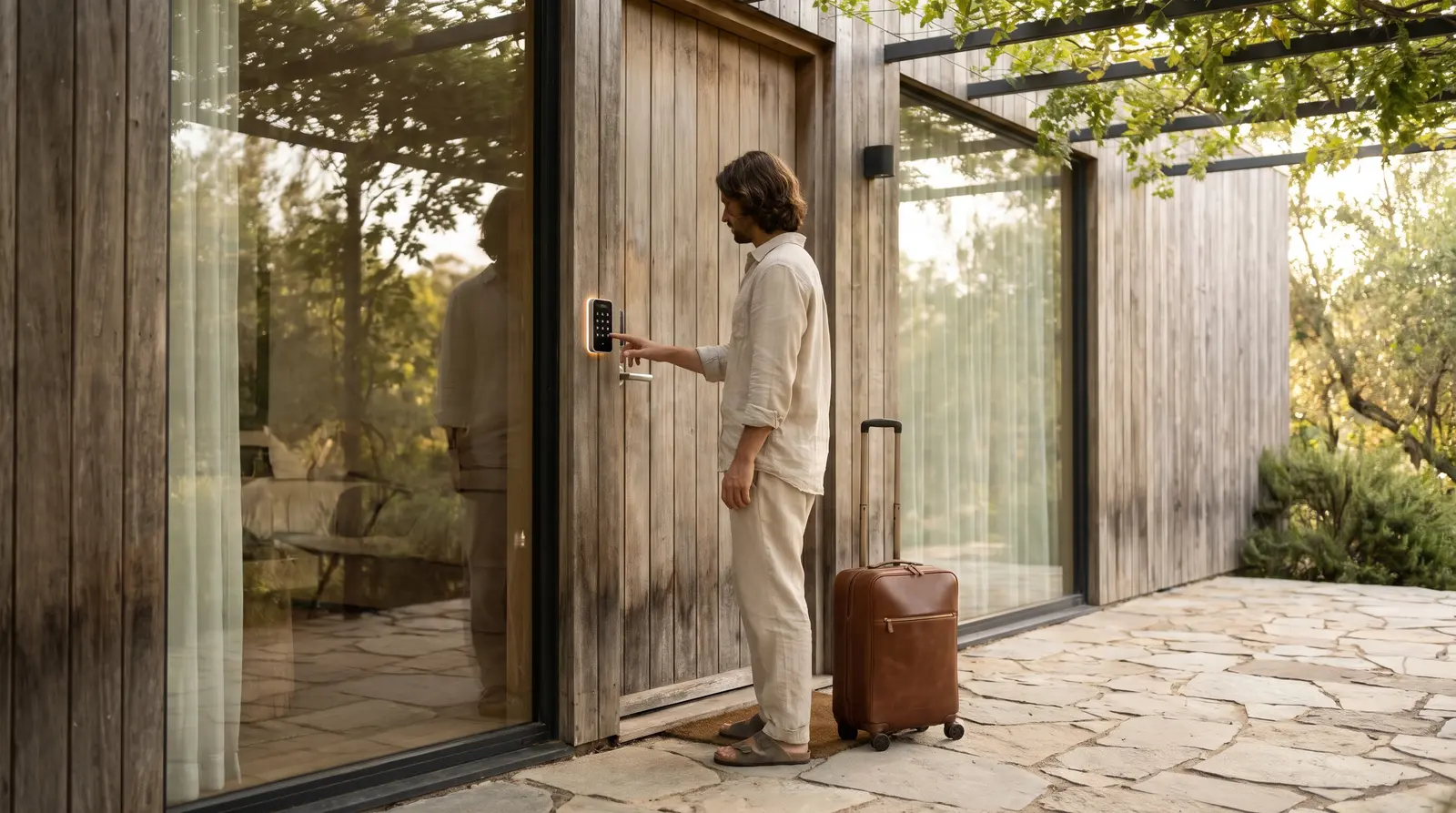
The Pre-Arrival Question Overload: Why It Happens
If you list your apartment on Booking.com, you already know the drill: as soon as a booking lands, questions start rolling in. Guests want to know about parking, check-in times, WiFi, early arrivals, and more. Guests often expect quick answers, and many apartment owners find themselves needing to respond promptly to keep guests satisfied. For apartment owners who manage their own properties: sometimes alongside other jobs or commitments: this can mean living with your phone in hand, day and night.
But being always-on isn’t sustainable. Slow replies risk guest frustration, lost bookings, and lower guest satisfaction. The challenge is clear: how do you keep guests happy and informed, without letting guest messaging take over your life?
What Questions Do Guests Ask Before Arrival?
Before you can streamline your workflow, it helps to know what guests actually ask. Based on common Booking.com messages, here are typical pre-arrival questions:
- Check-in and check-out: Can I arrive early? How do I get the keys? Is late check-out possible?
- Directions and parking: Where can I park? How do I find the apartment?
- Facilities and amenities: Is there WiFi? Are towels provided? Is the kitchen fully equipped?
- House rules: Can I bring a pet? Is smoking allowed? Are parties permitted?
- Special requests: Can you provide a baby cot? Is there luggage storage?
While some questions are unique, most fall into predictable categories. This predictability is your opportunity to automate and prepare.
Why Fast, Consistent Replies Matter on Booking.com
Guests appreciate fast and consistent replies, and responsiveness helps build trust and reduce confusion. Good communication can help you maintain positive guest relationships, and positive guest experiences often turn into better reviews.
But the downside? If your replies are slow or inconsistent, guests may worry about their stay or even cancel. That’s why it’s crucial to find a balance: deliver timely, helpful answers without being constantly interrupted.
Checklist: Preparing for Pre-Arrival Messaging
- Document your key info: Write clear answers for check-in, parking, WiFi, amenities, and house rules.
- Set up saved replies: Use saved replies or templates for common questions to save time.
- Schedule messages: Prepare automated messages for booking confirmation, arrival instructions, and check-out reminders using scheduled messaging or a PMS.
- Decide on your response workflow: Will you reply personally, delegate to staff, or use automation?
- Choose your tools: Consider a guest messaging service that integrates with Booking.com, like Virtual Receptionist Hotel Guest Messaging with Ospitessa integration.
Step-by-Step: Setting Up Efficient Guest Messaging
- Gather your property details: Collect all the information guests typically ask for: check-in hours, self check-in instructions, WiFi codes, parking info, and house rules.
- Create message templates: Set up standard replies for FAQs using templates. This saves time and ensures consistency.
- Automate scheduled messages: Use scheduled messaging or a PMS like Ospitessa to send key info automatically at set moments (for example after booking, before arrival, or on check-out day).
- Enable AI-powered replies (optional): If you want to go further, Ospitessa’s AI can draft or send replies inside Booking.com, using your property’s real-time info. You can choose to approve drafts or let the system reply automatically, freeing you from manual checks.
- Monitor and refine: Check for questions that aren’t covered by your templates or automations, and update your info as needed.
Template: Pre-Arrival Welcome Message
Here’s a practical template you can adapt for scheduled messaging on Booking.com or through your PMS:
Subject: Welcome! Your Stay at [Apartment Name]
Message:
Hello [Guest Name],
Thank you for booking [Apartment Name]! We look forward to welcoming you on [Arrival Date].
Check-in: From [Time]. For self check-in, use the code [Code] at the main entrance.
Parking: Free parking is available at [Location].
WiFi: Network: [Name], Password: [Password].
House Rules: [Brief summary, e.g. no smoking, no pets].
If you have any questions or special requests, just reply to this message. Safe travels!
Best regards,
[Your Name or Team]
When to Automate and When to Step In
Automation can handle most routine questions, but some situations need a personal touch. For example, complaints, complex requests, or last-minute changes should be reviewed by you or your team. With Ospitessa, messages about cancellations, payments, or complaints are handed off to staff with the conversation attached, so nothing falls through the cracks.
It’s also wise to check your automations regularly. Make sure your details are up to date, and that your tone is friendly and matches your brand.
Free Yourself From the Phone, But Keep Guests Happy
You don’t have to sacrifice your free time to maintain great guest communication. Start by preparing clear answers, set up templates, and use scheduled messages to cover the basics. If you want to go further, consider integrating a guest messaging solution like Ospitessa with Virtual Receptionist to automate replies and keep everything in one inbox. The result: happier guests, fewer late-night interruptions, and more time for you.
Ready to streamline your Booking.com guest messaging? See how Hotel Guest Messaging can help you take the next step.